DeepSeek Harness Desktop: Ready to Use, Right Now
DeepSeek Harness v0.2 is now in preview, with desktop installers for macOS and Windows, built-in tools for everyday work and development, and a new plugin management page.
English translation of a DeepSeek Harness team announcement. First-person statements below are the team’s words; the screenshots are English-localized recreations.
Today, DeepSeek Harness v0.2 preview is officially available, with ready-to-use desktop installers for macOS and Windows. Visit deepseek.com/harness, download the app, and follow the setup guide to get started.
The new version includes common tools for everyday office work and development. It also adds a page for installing and managing plugins, plus more configuration options, so you can extend Harness to fit the way you work.
DeepSeek Harness is still young. Its features and overall experience need more work. As newcomers to AI products, we are grateful to every user for their patience, trust, and support, and we will keep improving the product.
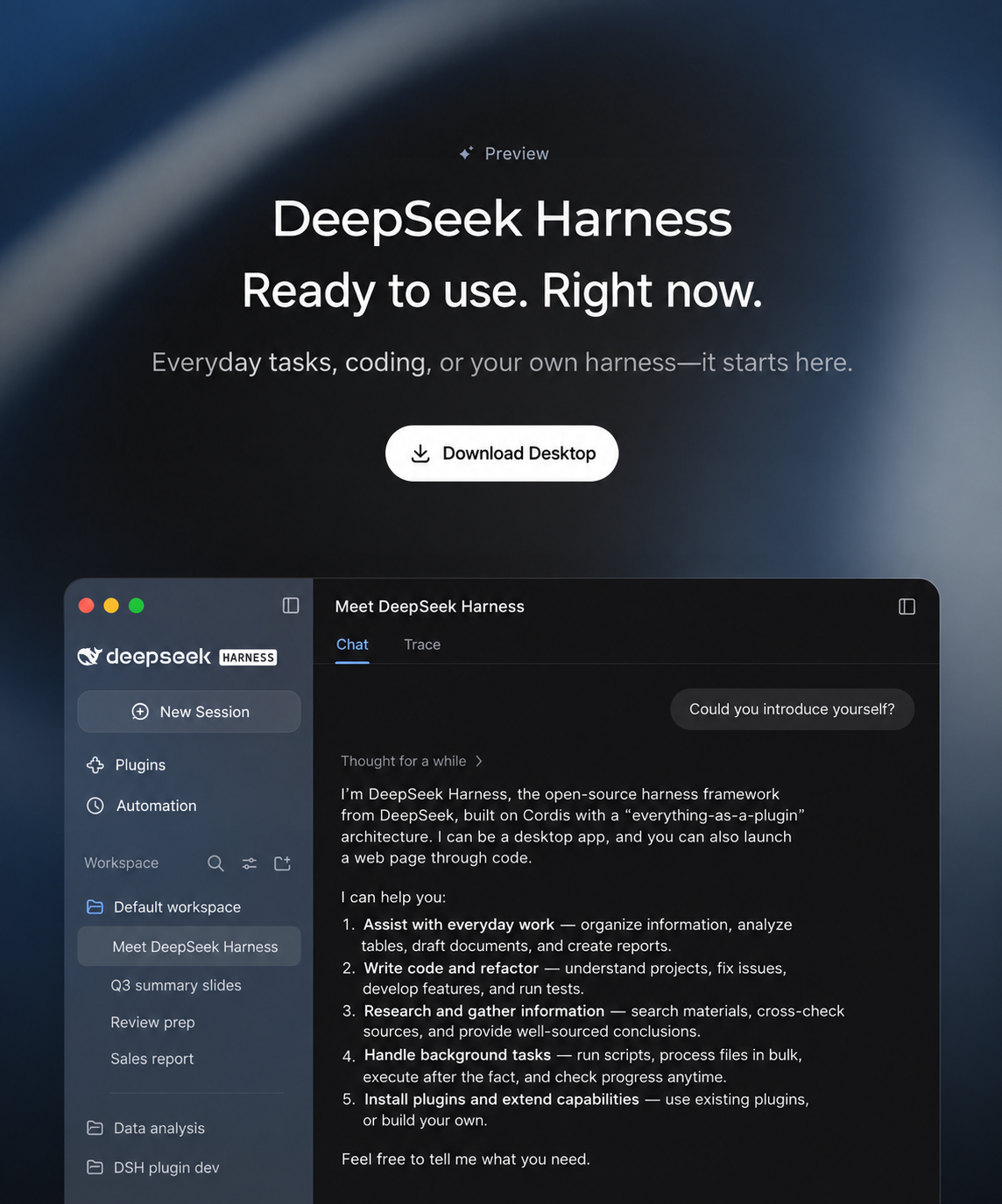
DeepSeek Harness desktop preview, recreated in English from the announcement image.
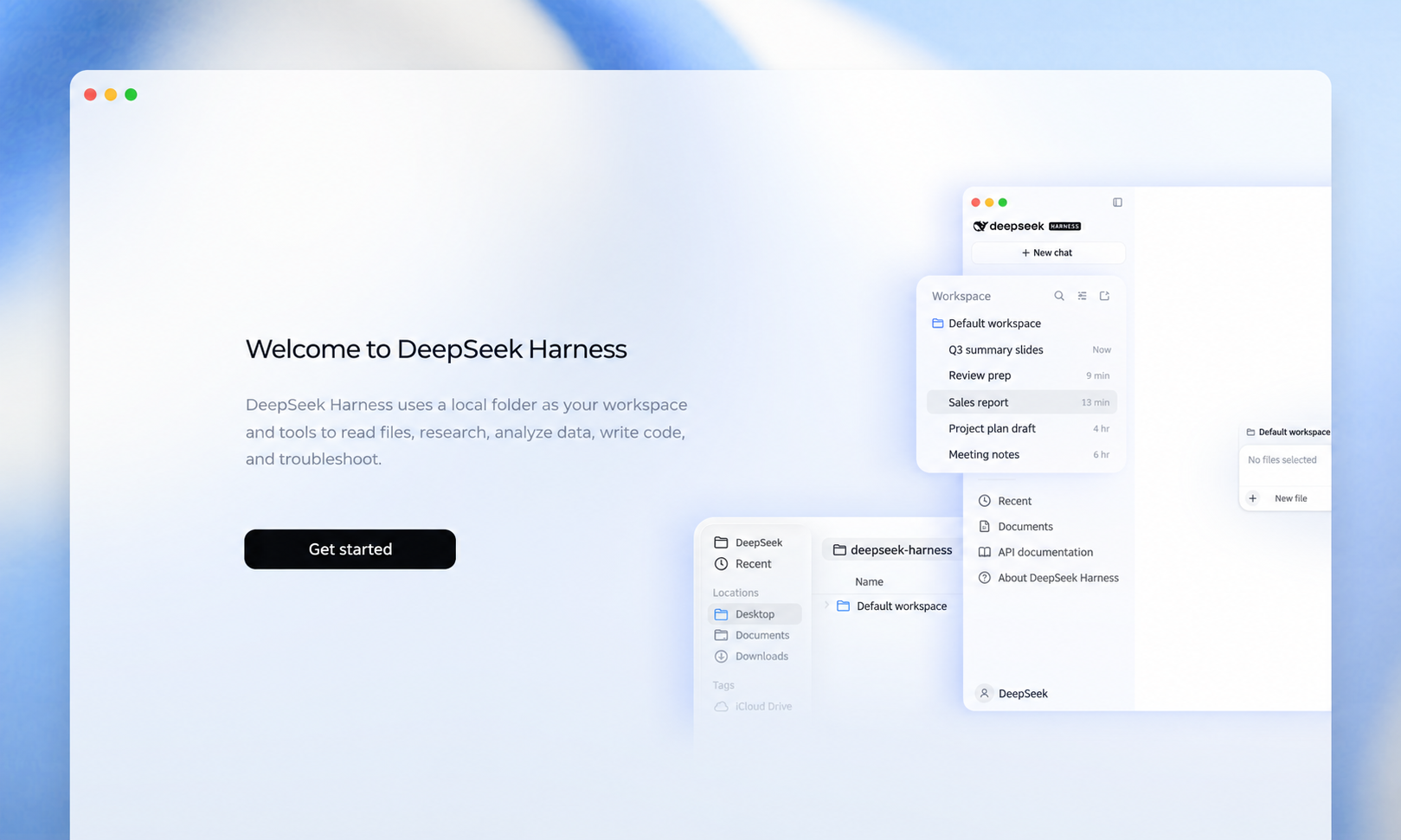
The desktop welcome screen.
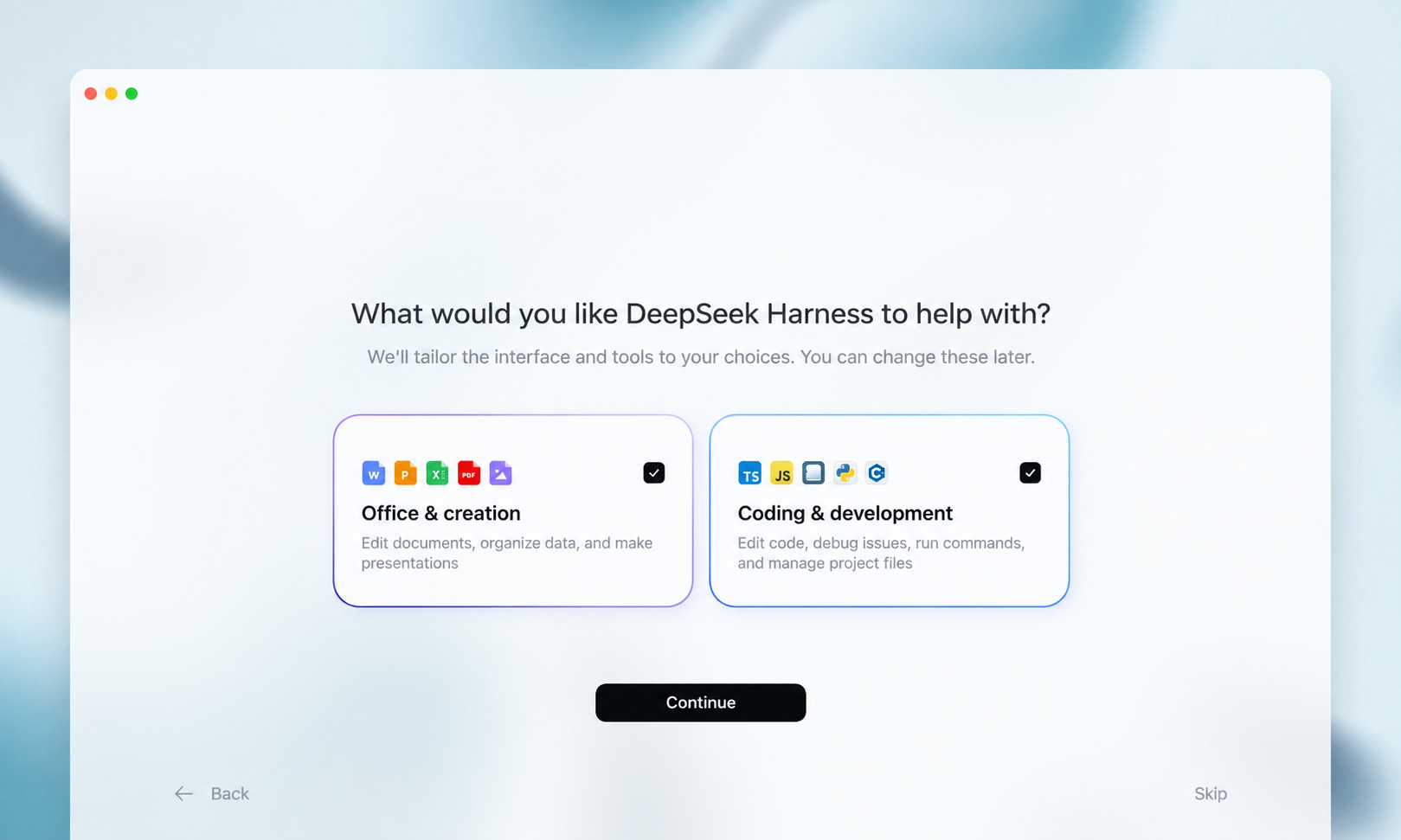
Onboarding choices for office work and coding.
A smoother experience for everyday work and development
This update improves the display of files, content previews, and code changes. It also makes automated tasks easier to set up and manage. Several views of work in progress help you follow a task, see what happened, and troubleshoot when needed.
You can give DeepSeek Harness documents, spreadsheets, or PDFs and ask it to organize material, analyze data, create charts, or make a presentation. It can also edit a project, run code, and help with development tasks.
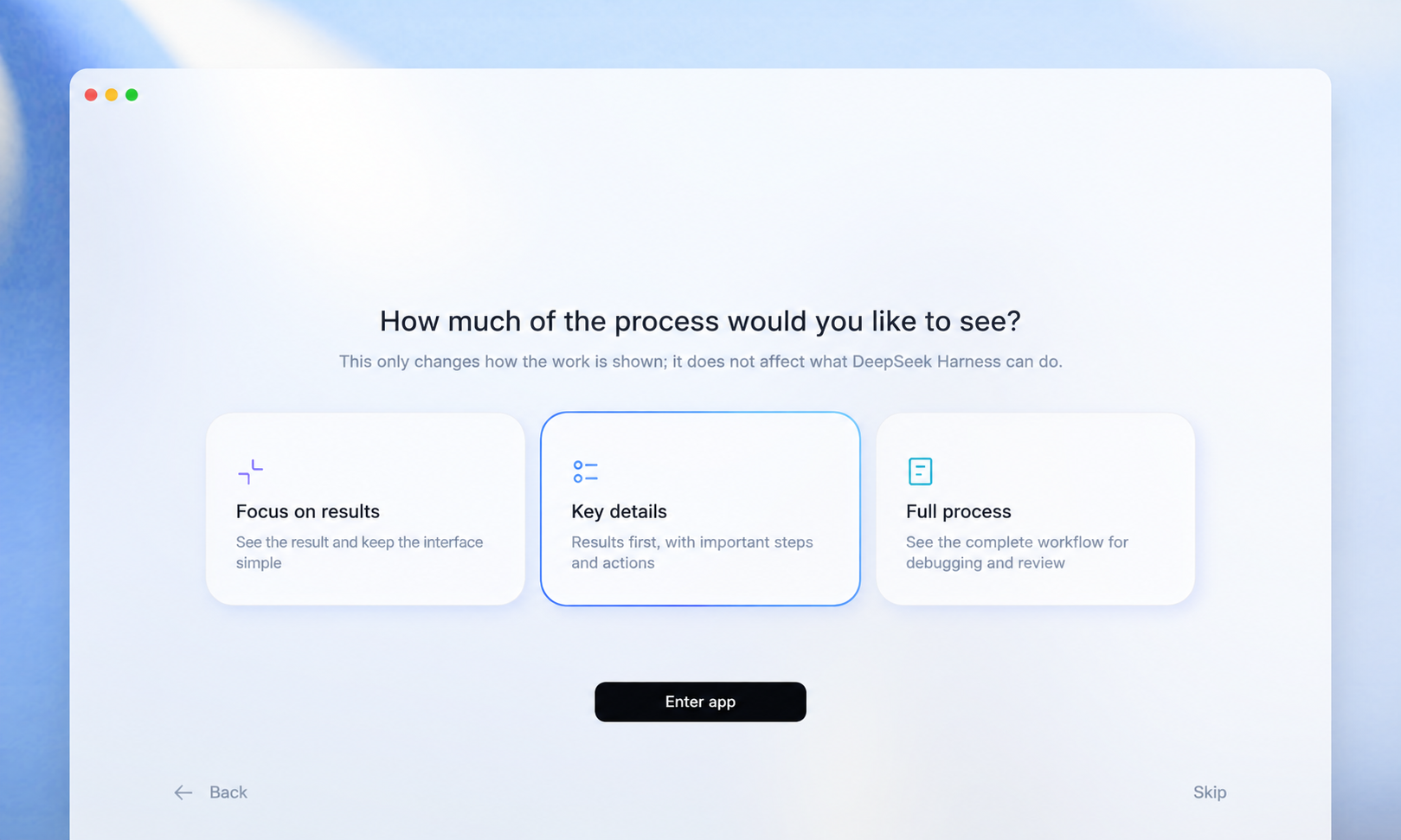
Choose how much of the work in progress appears in the interface.
Generated files and each round of code changes appear together in the conversation. You can preview files and inspect code and diffs in the sidebar, ask for revisions in the chat, or open a file in a local app to continue editing.
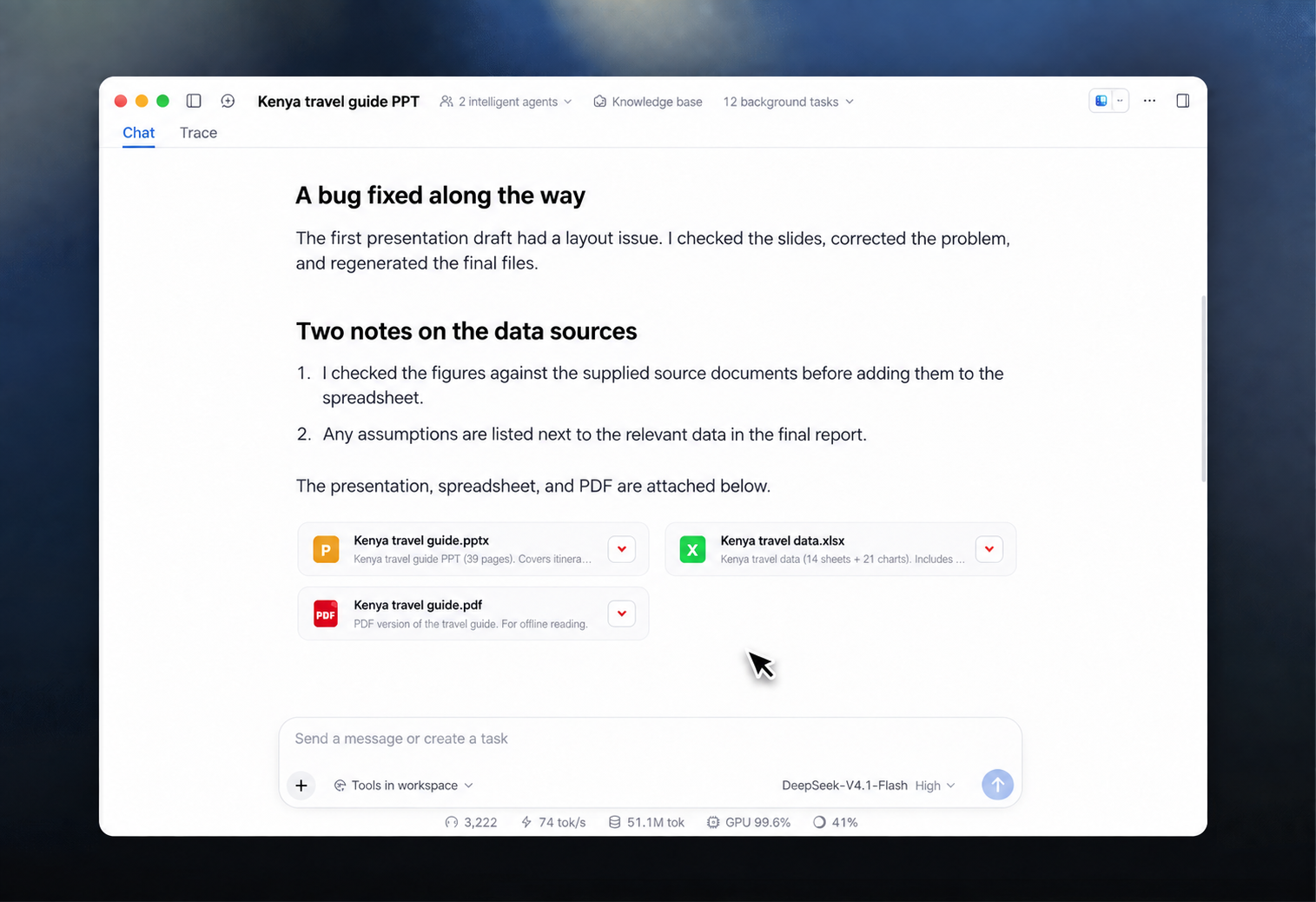
Generated files in a conversation. The sample document content is illustrative.
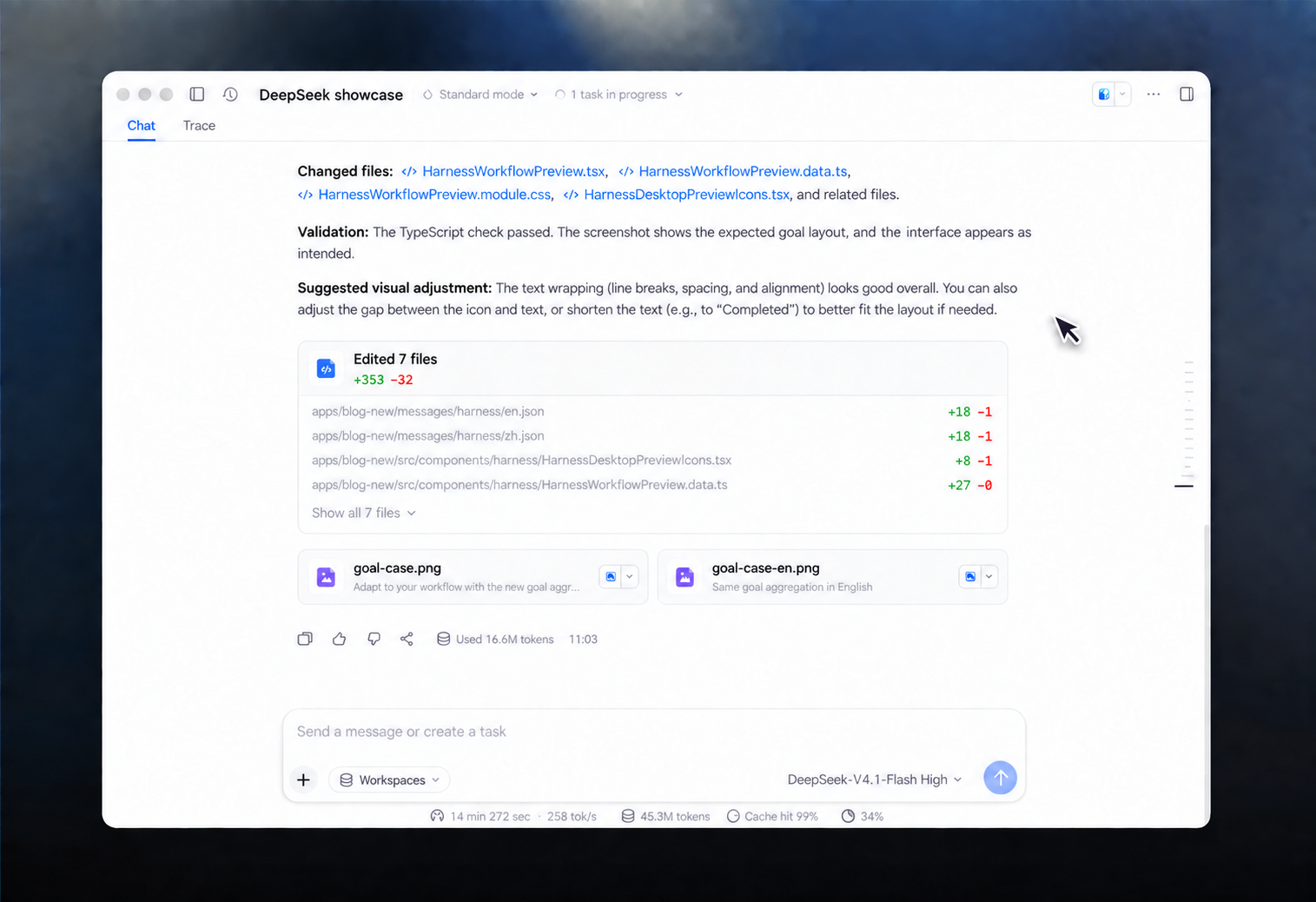
Code changes and generated assets shown in the conversation.
The update also includes an automation plugin that you can turn on when you need it. Enable it in the plugin manager to schedule repeat work, review past runs, and change a task's frequency or instructions.
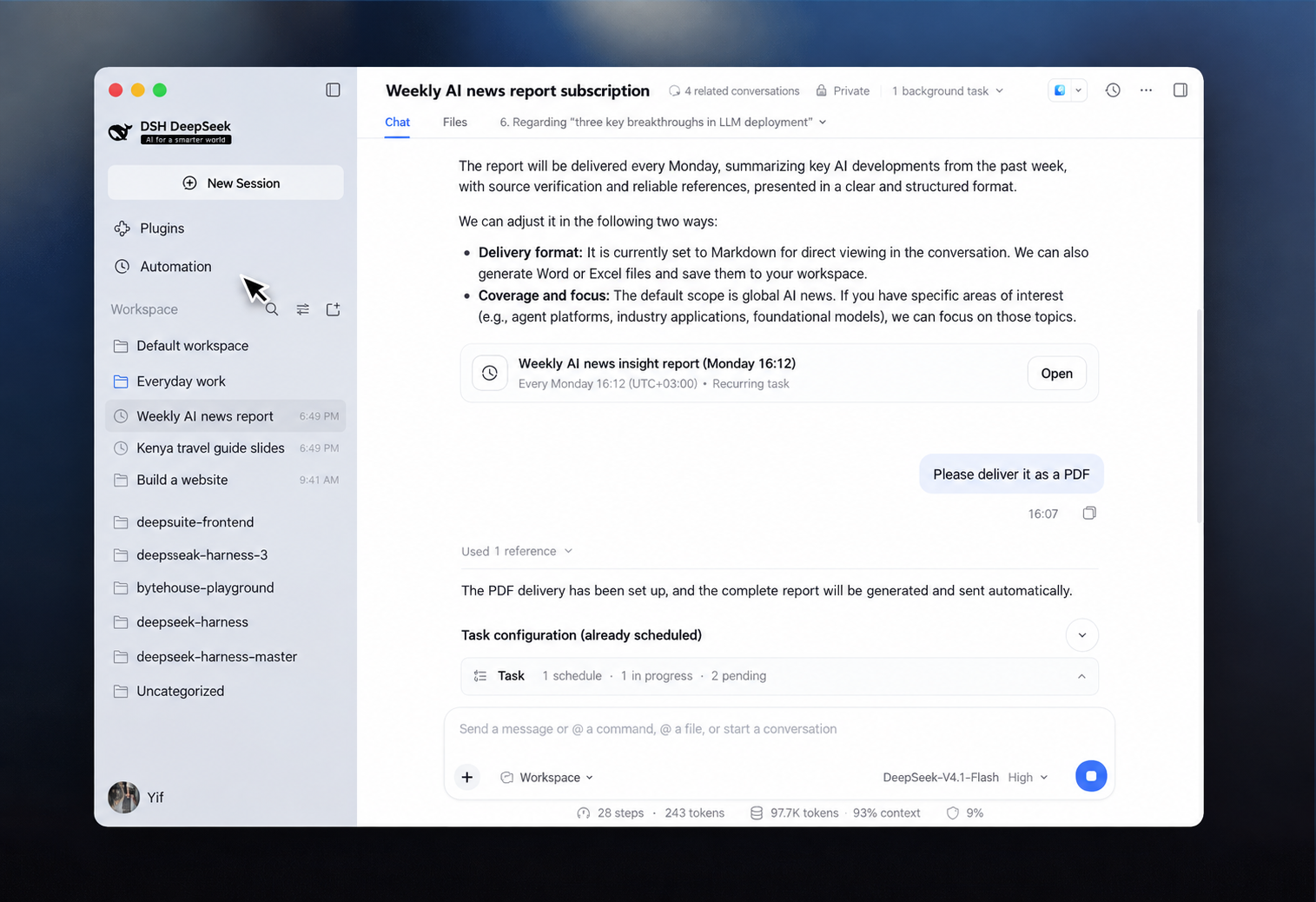
A scheduled task and its conversation.
You can also decide how much detail the interface shows. Options cover the display of Agent steps and the level of detail shown for different features, letting you choose a view that suits your work.
Easier plugin management
The desktop app keeps DeepSeek Harness's “everything is a plugin” design. A single tool, or even the whole interface, can be added as a plugin. Add the plugins you need and combine their capabilities to shape your own setup.
The new plugin management page lets you install a plugin without the command line. Enter the plugin's npm package name to install it. From the same page, you can disable or uninstall plugins and check their descriptions and sources.
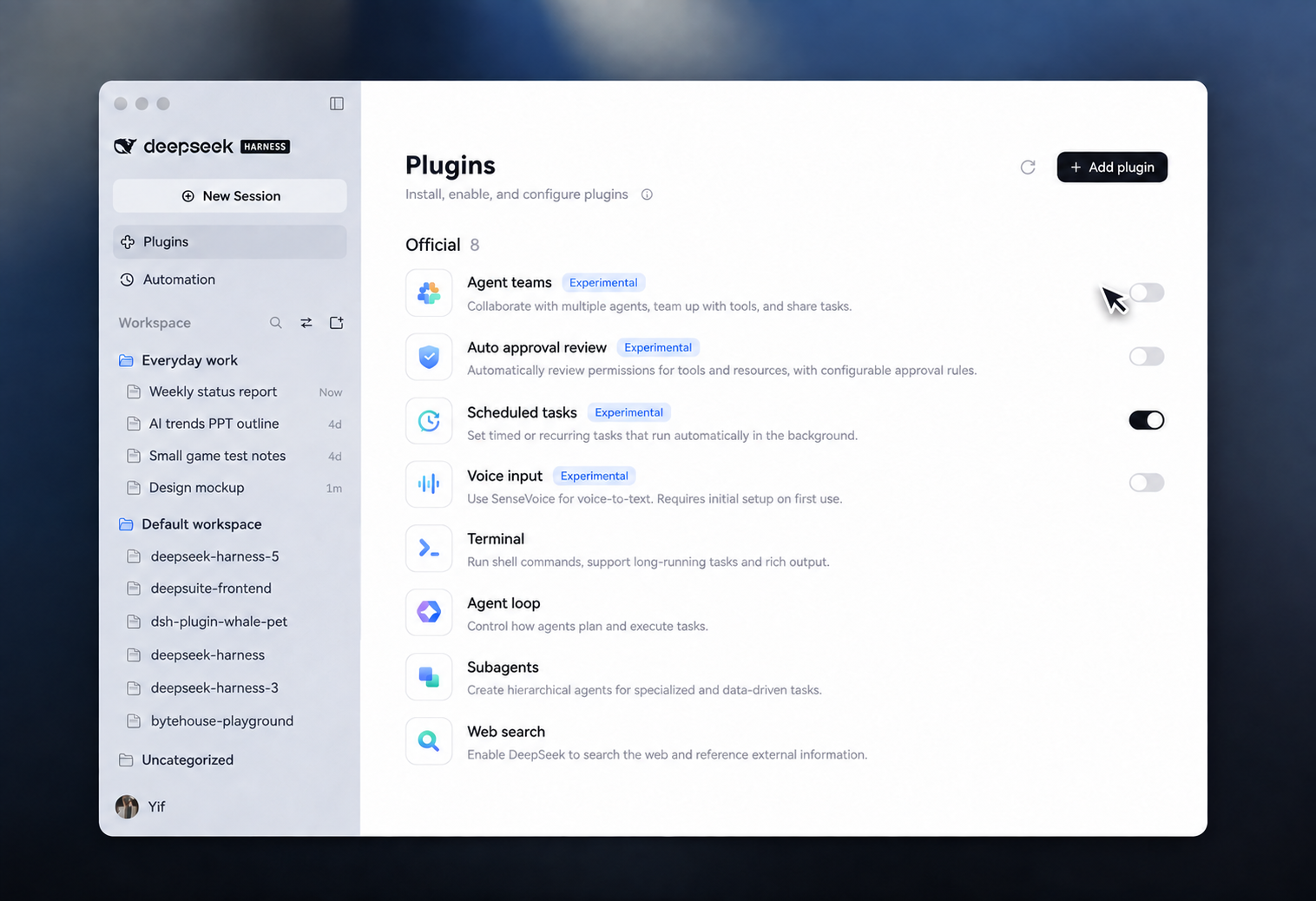
The plugin management page, recreated in English.
In the experimental Creator mode, you can describe what you need in a conversation and ask DeepSeek Harness to write or edit a plugin. A plugin created this way takes effect immediately, stays saved, and appears in the plugin manager for later use.
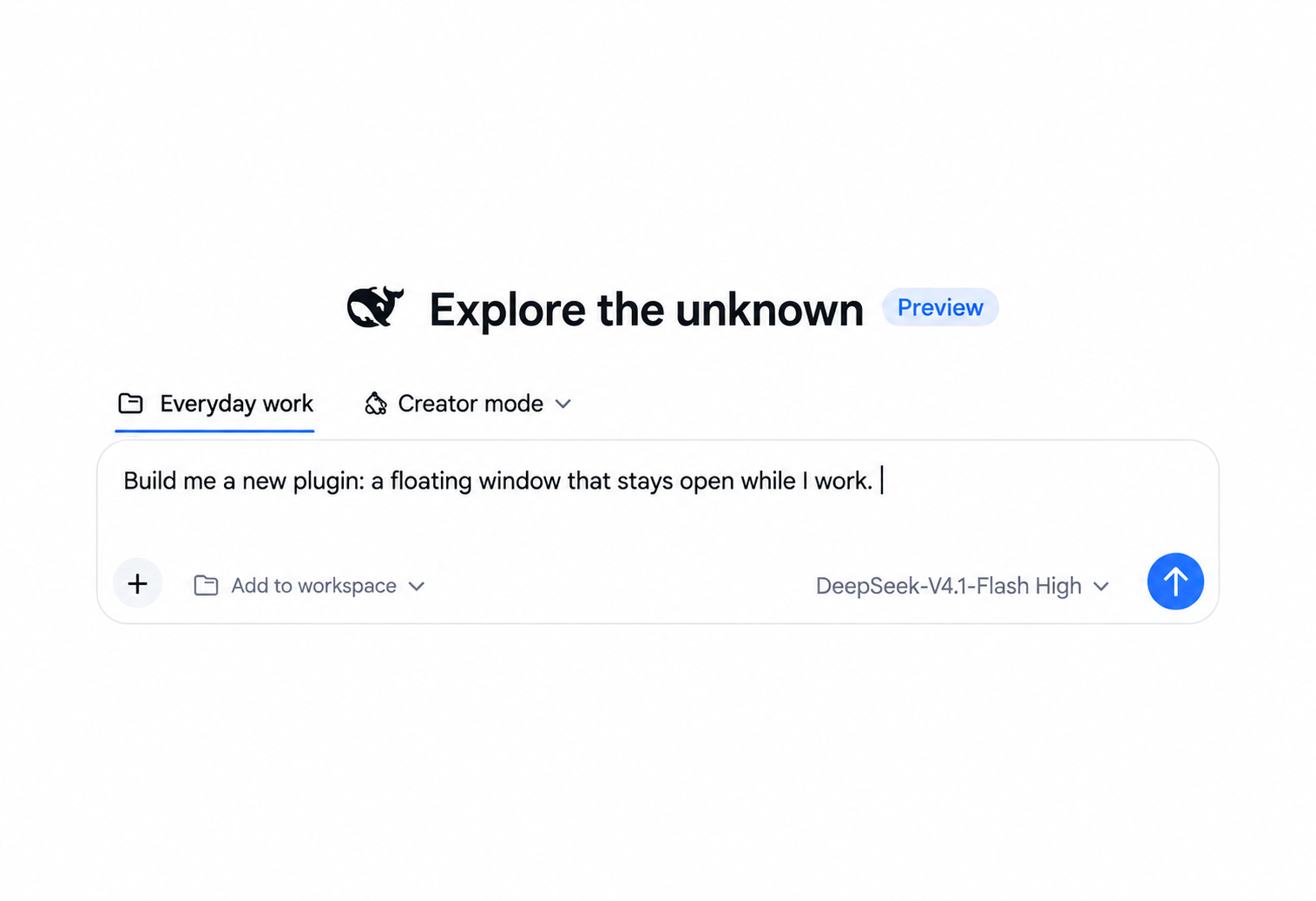
Creator mode, where a user can request a plugin in conversation.
Product roadmap
Among users of DeepSeek's official model API, DeepSeek Harness is now the most popular Coding Agent product by measures including average daily active users and average daily sessions, according to the Harness team.
Next, the team plans to improve the experience from setup through task completion. Its list includes better sandbox features and security, more effective and easier-to-use Agent teams, personalized long-term memory, automation for browsers and other GUI apps, remote and mobile access, and session sharing and collaboration. The team will continue adding optional experimental features and make them defaults once they have been refined and tested.
DeepSeek Harness will also develop alongside DeepSeek models. We will keep adapting Harness to new models, optimize how those models perform inside Harness during training, and use model research to support new product features.
Third-party plugins are a distinctive part of the Harness experience. By the team's count among users of DeepSeek's official model API, about 60% of DeepSeek Harness users use third-party plugins.
The team plans to make third-party plugins easier to find, install, and manage, and to build an official plugin marketplace. It also aims to make plugin APIs clearer and more stable, reduce or avoid breaking changes, improve compatibility with older and newer versions, and lower the work required to update plugins across releases.
We hope to bring AI into more people's daily work and lives. We also welcome more plugin developers into the “everything is a plugin” ecosystem to expand what AI can do and help define products that are open source, open, reusable, and composable.
Get started now
The ready-to-use DeepSeek Harness desktop app is available to download now, with installers for macOS and Windows.
For more details, click here to visit our DeepSeek Harness section →.
Source: deepseek_harness_team. The screenshots are English-localized recreations of images from the supplied announcement.